
Software for Setup and Monitoring of Conventional Fire Alarm Systems
DMTech Software
DMTech Fire Panel Remote Client
Desktop Application for Windows
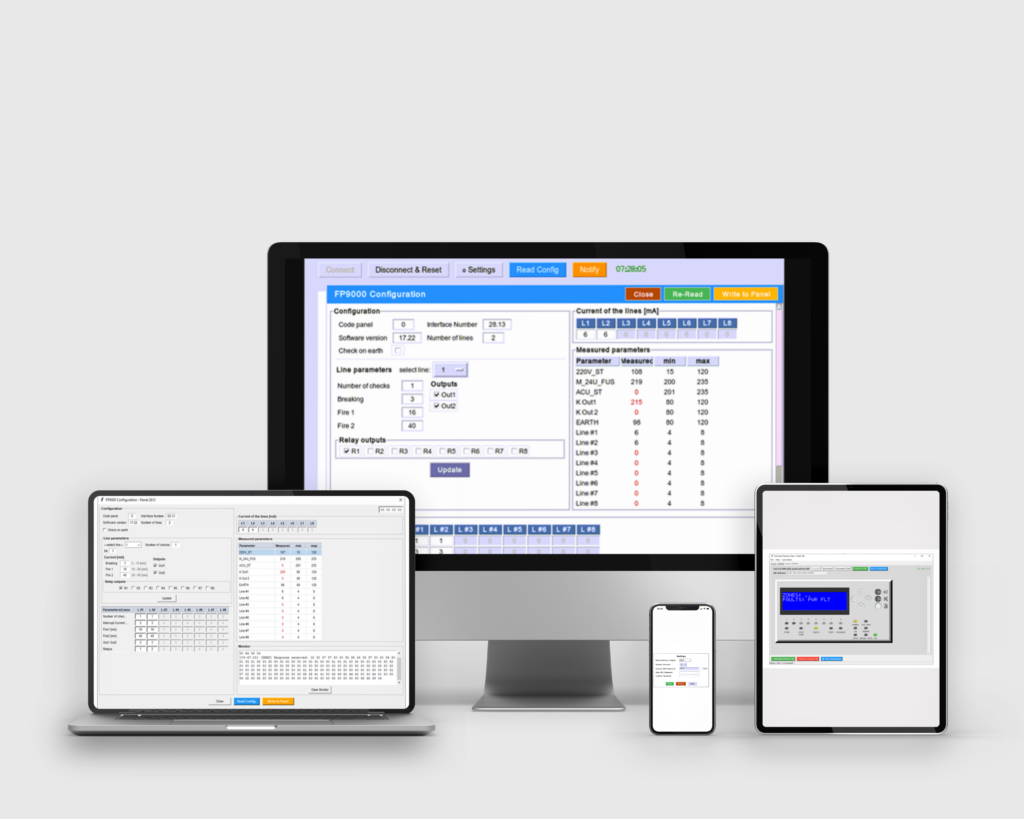
- Reduced manual setup
- Detailed system status visibility
- Easy configuration of relay outputs delays
- Reset Fire Mode
- Remote monitoring via VNC functionality
- System configuration read and write, even remotely via VNC integration
- Automation for monitoring multiple fire alarm panels
DMTech Fire Panel Remote Client supports integrations from any VNC Viewer. However, we recommend TigerVNC Viewer and TightVNC Viewer on 64-bit Windows 10 and 11, as these are the ones we have tested and support.
Applying DMTech Fire Panel Remote Client to configure the FP9000 conventional panels parameters, provides a highly customized setup without the high cost and physical presence on site.
DMTech Cloud VNC Portal
Web Application
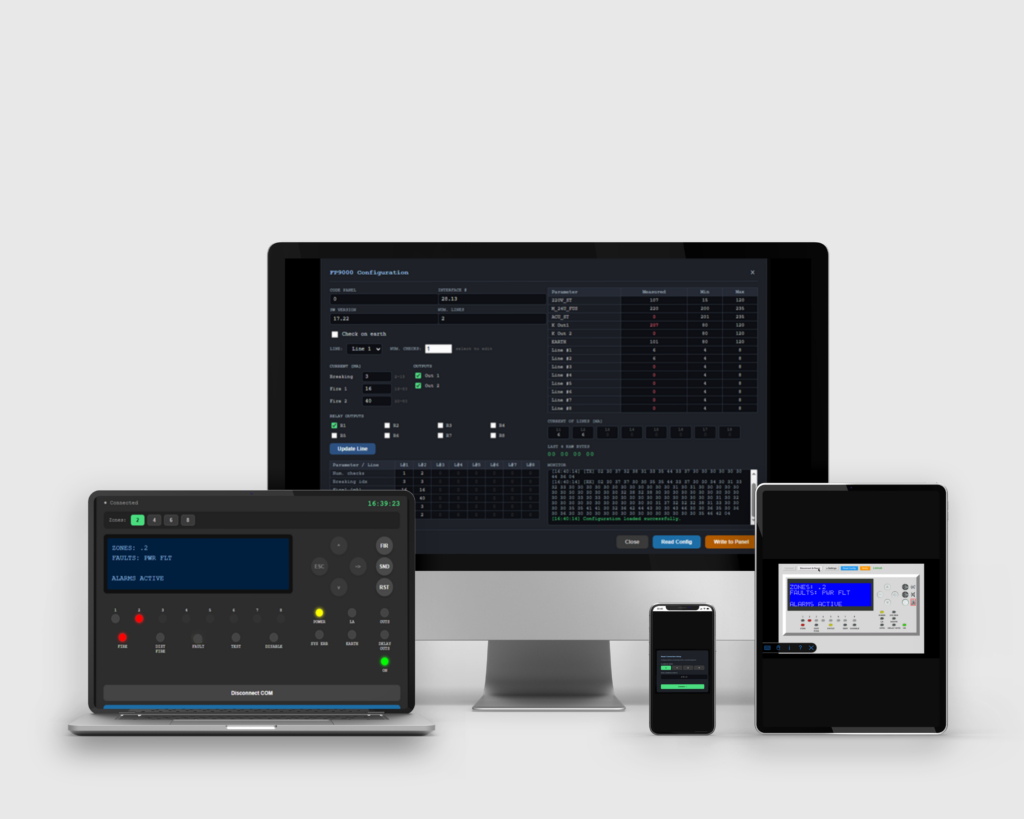
- Zero Installation
- Intuitive interface, optimized for mobile devices
- Direct option to the Real VNC Viewer mobile app (iOS and Android)
- Fully managing the FP9000 system parameters remotely
- Web-based interface adapted for mobile devices, laptop or any device supporting a web browser
- Read and write fire alarm panel’s configuration, even remotely
DMTech Cloud VNC Portal web application includes a button to directly open the Real VNC Viewer mobile app (iOS and Android) and connect to the control unit—without manually entering an IP address.
DMTech Cloud VNC Portal facilitates installations maintenance while eliminating human error by giving technicians instant, one-click access to the fire panel’s live interface on their mobile devices without typing complex IP addresses.
